How to self-host your apps locally
— dev, dev-tools, software, self-host, english — 4 min read
TLDR
1. Prepare a bootable USB with the umbrelOS .iso and Balena Etcher
2. Boot your server device from USB
3. Install umbrelOS and remove the USB
5. Plug in your ethernet cable and boot up OR boot up and configure WiFi
6. Access the server interface via your browser at http://umbrel.local or http://umbrel
7. Use Tailscale to access your server from anywhere.
Introduction
A few days ago, I was looking for a place to store my files online so I could access them from anywhere.
While comparing cloud storage services, I thought:
I'm on a low budget, but I have some free time. 🤔
That's when I decided to create my own Linux server to store my files.
What's self-hosting?
It's like running self-hosted services (a.k.a. applications) on your own infra to replace cloud providers options.
Its purpose is to serve something to you.
It can be hosted on a normal computer which can vary in size and hardware.
By digging a little bit, I discovered many interesting solutions. It can feel intimidating at first, but fear not. I'll show you how easy it is to set it up.
Requirements
What will you need? An old PC, a USB drive with at least 4 GB and a Linux OS called umbrelOS ☂️.
How to
I'm assuming you are familiar with some computer basics, so I'll summarize the steps here to keep the post easy to read.
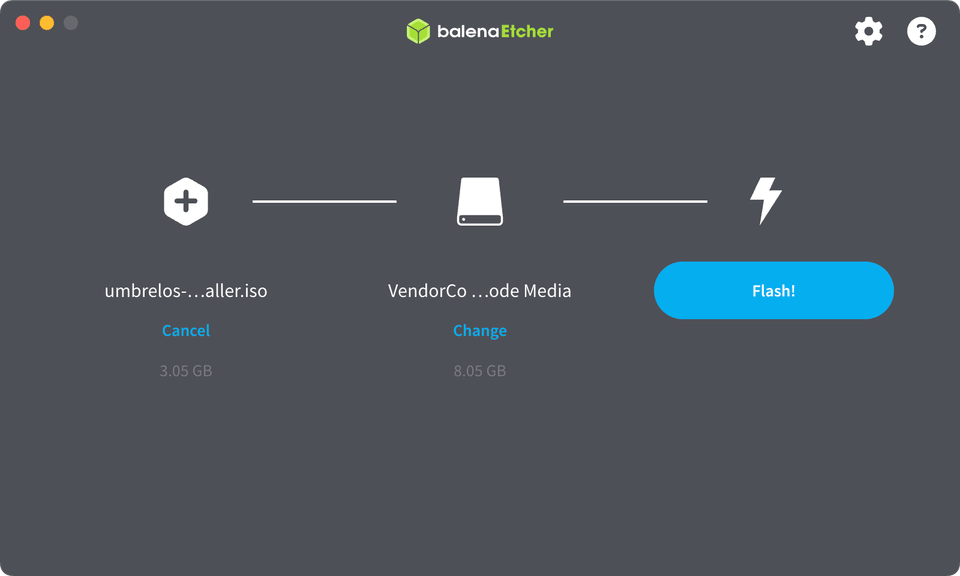
1. Create bootable umbrelOS USB
- Download the latest umbrelOS
.iso(for x86 systems) - Download Balena Etcher
- Plug your USB stick and make sure it doesn't contain any important data, as it will be formatted
- Use Balena Etcher to flash the downloaded
.isofile into the USB - Remove the USB
2. Boot from USB
- Plug the USB stick into the desirable server device
- Turn on the server device and it should automatically boot from the USB (if not, you might need to change the boot priority in BIOS settings)
3. Install umbrelOS
After the system boots up, it will present you the following:
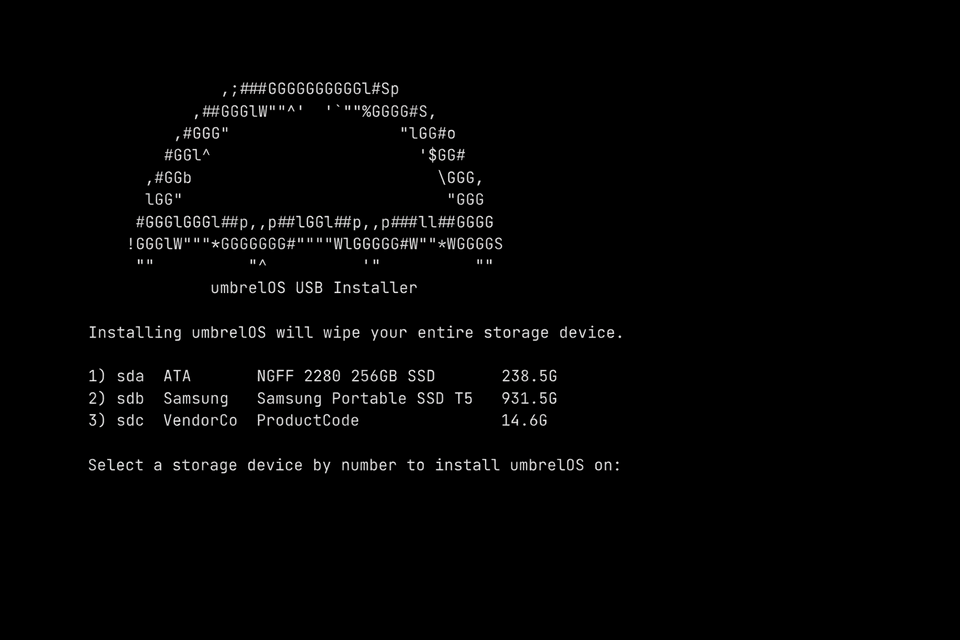
- Identify the correct internal storage to install umbrelOS and note it's corresponding number. For example, in the example above, if we want to install it on ATA drive we would type "1" (without quotes)
- Press Enter
4. You fulfilled your mission, dear USB
After a while the process will be completed
- Press any key to shutdown
- Remove the USB stick
⚠️ Important!
At this point, check if the Ethernet cable is connected. If you're on WiFi check the section bellow. 👇🏻
- Ensure the USB stick is no longer connected
- Turn on the server device (you might need to change the boot priority in BIOS settings)
5. Configure WiFi (or skip it)
- Ensure the USB stick is no longer connected
- Turn on the server device (might change the boot priority in BIOS settings)
- You'll see that the server is for terminal access only. Login with user and password both "umbrel"
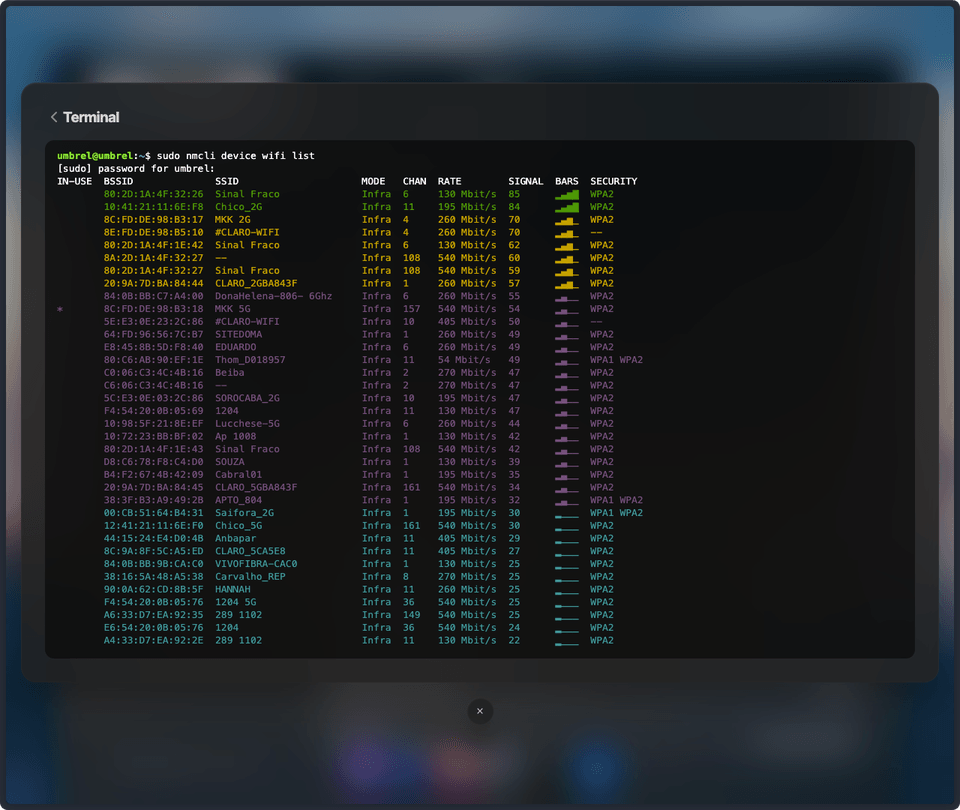
- Run
sudo nmcli device wifi listand check for your WiFi - Run
sudo nmcli device wifi connect "YOUR_WIFI_NAME" password "YOUR_PASSWORD"to connect to your WiFi
6. Acessing it locally
⚠️ Important!
Make sure the server device and the device you're trying to access from are on the same LAN.
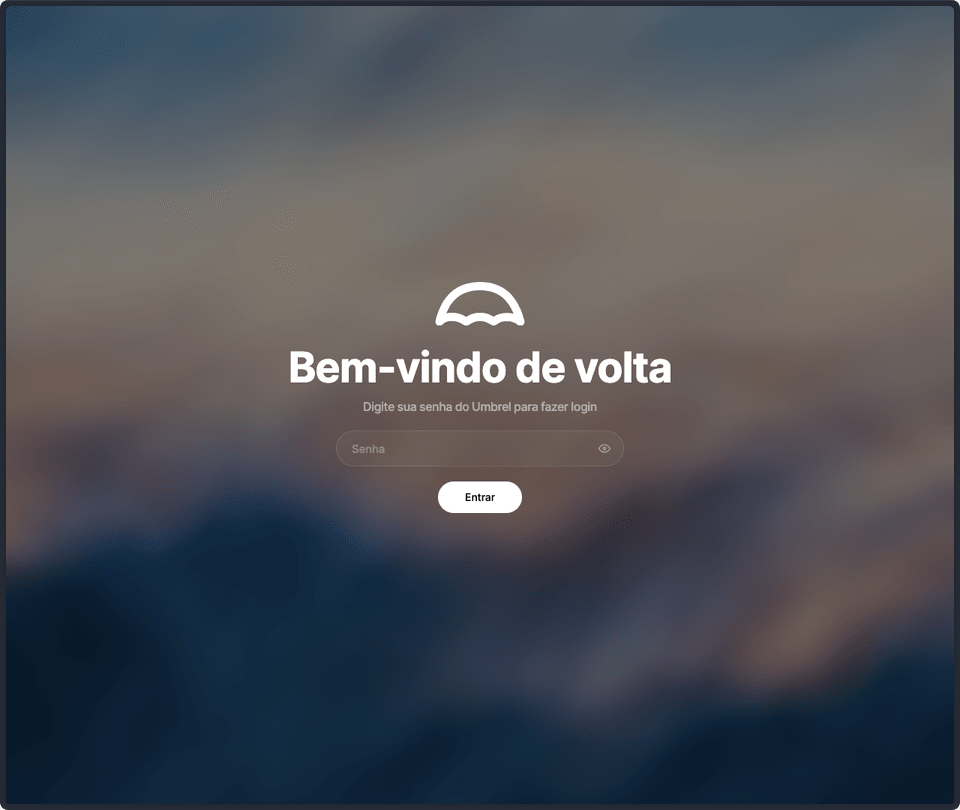
- From your browser, try access http://umbrel.local or http://umbrel
7. Acessing it from anywhere
- Access http://umbrel.local or http://umbrel
- Login in
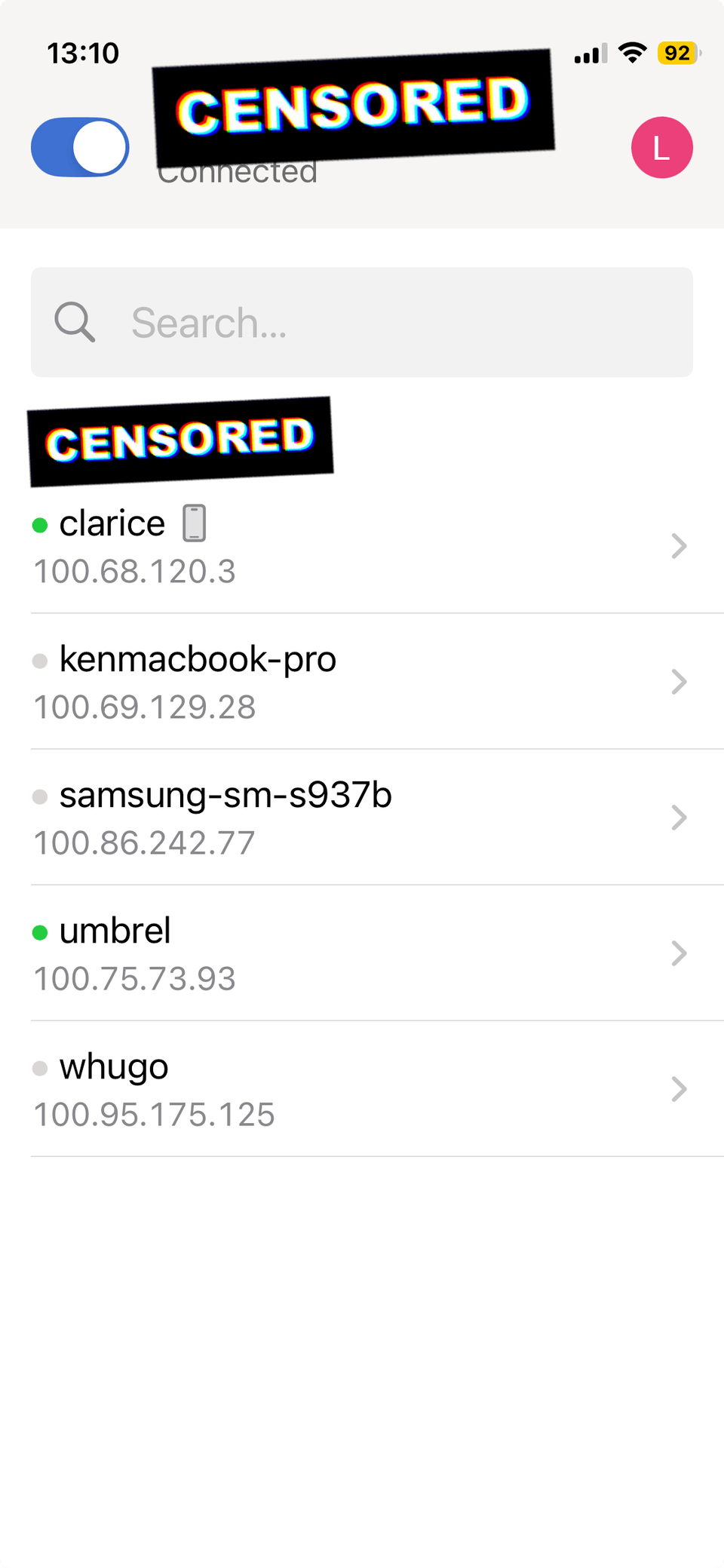
- From the store, install Tailscale
- Sign in into Tailscale
- From your phone, install Tailscale
- Sign in into Tailscale using the same login from above
- From your phone, access http://umbrel.local or http://umbrel
My server, my rules
In my case, I did it mainly because I was low on money, and building it myself would put me in control of the server.
If you don't want to rely on big techs and privacy matter for you, this is for you!
Additionally, deploying a service like this would give me both personal and professional experience.
Reproducing the steps above you have a fully workable server to start building your own self-host services. The possibilities are endless! ✨
Thank you for reading!
Want to help me? If these steps ever helped you out or wanna keep me excited on sharing learning techniques like this? Consider buying me a coffee or supporting me on Ko-fi.